What's New.
We're making Oaki better every day.
March updates: iOS app, editing answers, and more
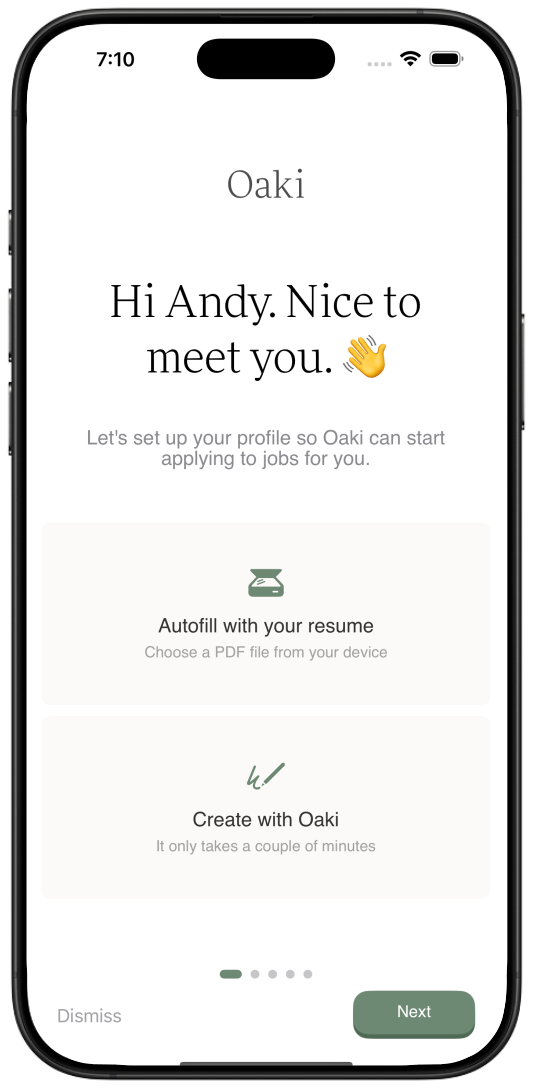
Oaki is now on iOS
- We’re thrilled to announce the launch of the official Oaki iOS app
- Now you can manage your job search, track applications, and discover new opportunities on the go
- Download it today from the App Store
You can now edit Oaki’s answers
- You asked, we listened
- You can now edit Oaki’s answers to job application questions before they’re submitted
- This gives you more control over your applications and helps you tailor your responses to each specific role
New dynamic resume templates
- We completely re-designed ‘Classic’, polished ‘Modern’, and added a brand new ‘Alternate’ dynamic template
Multiple resumes
- Now you can upload an additional resume to easily swap between different variations during your applications
A more polished experience
- We’ve added more helpful welcome screens and tooltips to guide you through the app and explain how everything works
- We’ve also updated our company database to provide you with better company data and logos
Bug fixes & UI improvements
- We’ve squashed a number of bugs and made several UI improvements to make Oaki more reliable and intuitive to use
January updates: Acorn free mode and simpler pricing
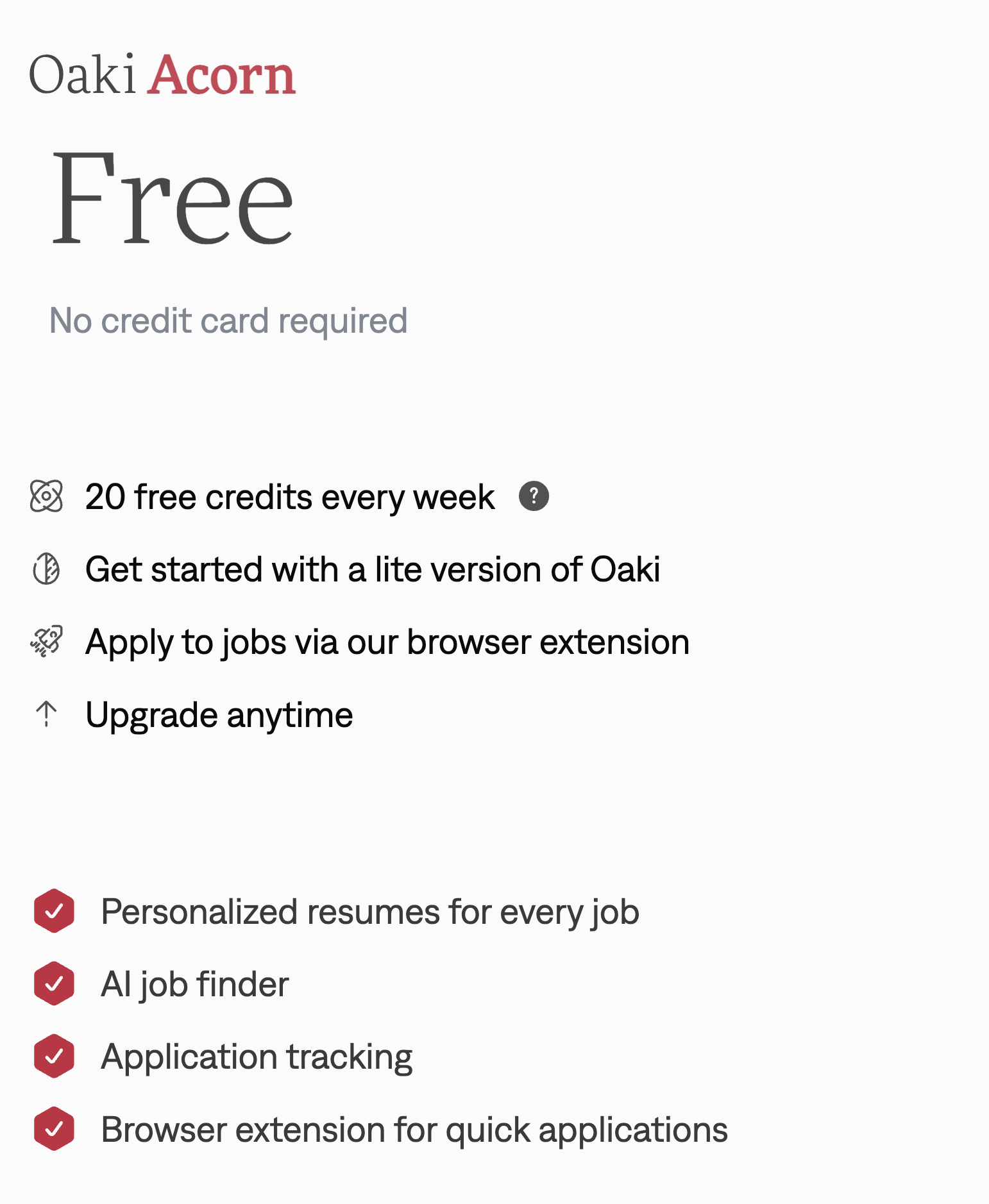
Acorn is here
- We introduced Acorn, a free way to start with Oaki
- No credit card is required
- You get 20 free credits every week, so you can try Oaki with real usage instead of a short-lived trial
The core workflow is included
- Acorn includes personalized resumes for every job, AI job finding, application tracking, and browser-extension-powered quick applications
- The goal is simple: let you get real value from Oaki before you decide whether you need more volume
A cleaner pricing experience
- We tightened up the pricing page to make the plan lineup easier to understand
- Acorn now sits clearly at the start of the upgrade path, with paid plans building on top of it instead of feeling like a separate flow
Upgrade whenever you’re ready
- If you want more applications or deeper automation later, you can upgrade anytime without resetting your setup
- Your free setup still gives you a usable starting point while you decide how far you want to go
November updates: Oaki is now live!
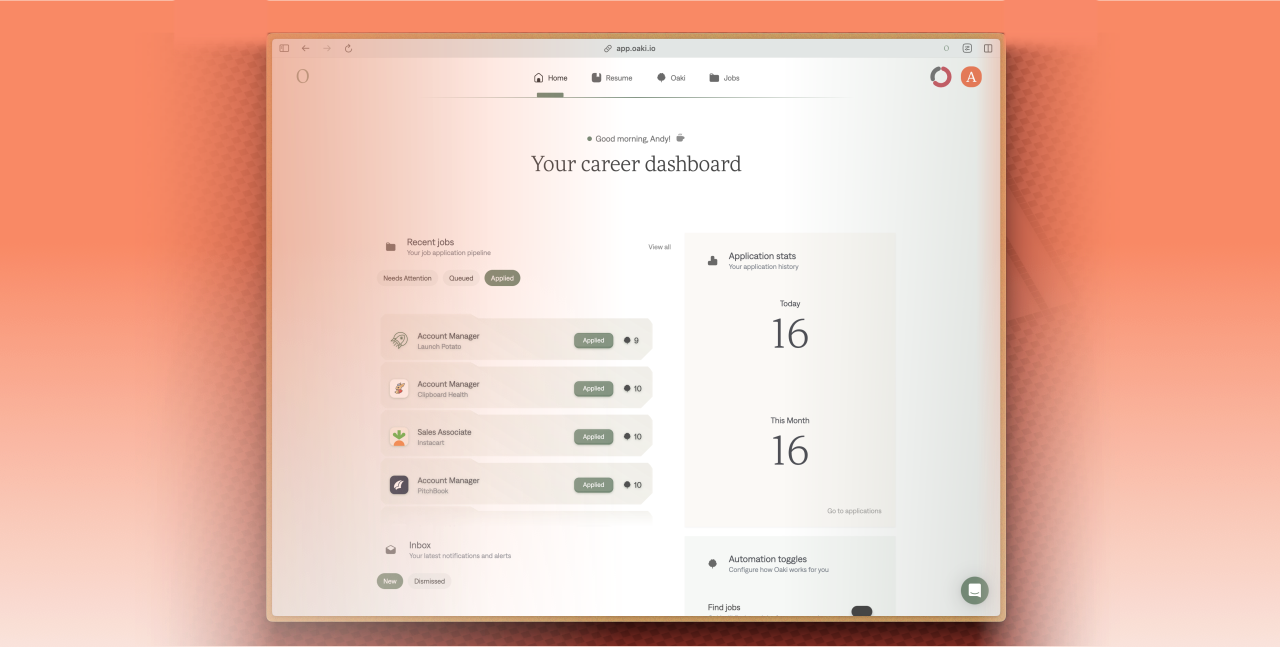
Oaki is live!
Oaki is now officially out of beta and available for everyone! We’re so excited to share what we’ve been working on.
A fresh new look
We’ve completely rebranded Oaki with a new logo, updated color palette, and a more modern, intuitive interface.
The all-new job grid & application tracker
We’ve replaced our old data table with a brand new, lightning-fast job grid, with powerful search and filtering. We’ve also completely redesigned how you manage your jobs and apps with our brand new table that’s faster, more responsive, and easier to use.
Edit app packages
You can now edit the AI-generated answers for each job application up until the moment the job is applied to.
Tinder mode
Quickly review jobs by using your arrow keys to “swipe” left to block or right to prepare a job.
Voice mode beta
We’re experimenting with a new voice mode that lets you navigate Oaki and manage your job search hands-free. Contact us to take part!
September updates: Job data and resume improvements
Better job data, less “ghost jobs”
- We’ve significantly improved how we handle expired and “ghost” jobs
- We now include a “first seen” date on all job postings, giving you more context and ensuring you’re only seeing the most relevant opportunities
- We’ve also revamped our job data parsing, especially for locations, to provide more accurate and reliable information for our filters
Even more powerful browser extension
- Our browser extension just got a major upgrade
- It’s now even faster, more reliable, and better at filling out job applications
- We’ve also introduced an “auto-submit” toggle, giving you the option to review your applications before Oaki sends them off
More flexible resumes
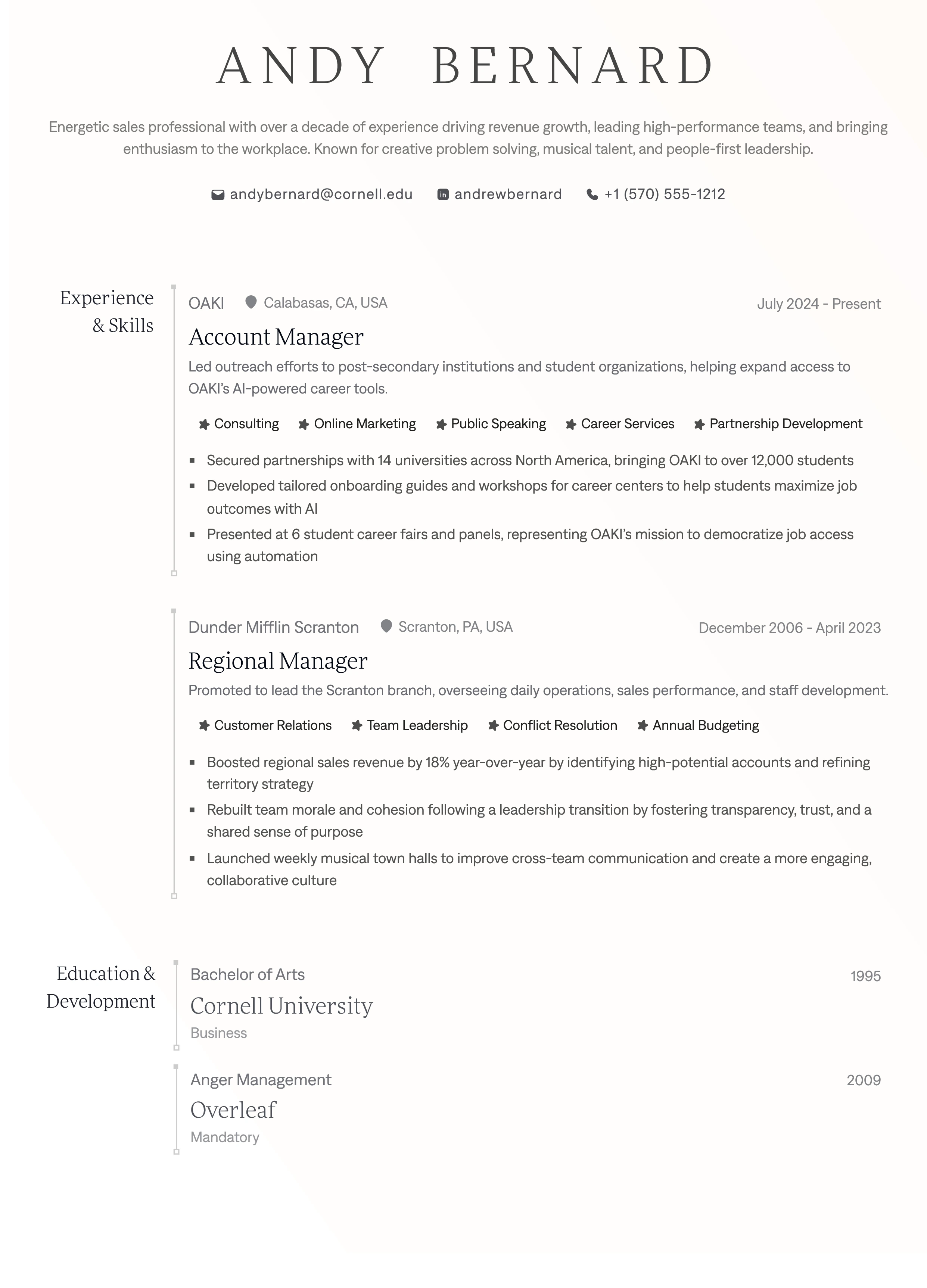
- We’re excited to announce that Oaki now supports resumes up to four pages long
- This gives you even more space to showcase your skills and experience
State-of-the-art resume printing
- We’ve rolled out a brand new, proprietary printing engine that guarantees a perfectly sized and crisp resume every single time
- No matter how much content you have, your resume will always look its best
Bug fixes & quality of life
- As always, we’ve shipped a number of bug fixes and quality-of-life improvements to make your Oaki experience as smooth as possible
July updates: Trial experience and extension-assisted applications
A clearer trial experience
- We’ve reworked our trial experience to make it clearer what’s included in each of our plans
- Now you can easily see the difference between our Roots, Base, and Surge plans, and choose the one that’s right for you
More reliable assisted applications
- We’ve made a number of improvements to our browser-extension-assisted applications, making them more reliable and less buggy
- This means you can apply to jobs with confidence, knowing that Oaki is working hard behind the scenes to make sure your applications are submitted correctly
City filter
Now you can filter jobs by city, making it easier to find local opportunities.
May updates: Beta ending & introducing the Changelog
Beta ending soon
The Oaki beta period is coming to a close. We’re incredibly grateful for all the feedback and support we’ve received. We’re now hard at work preparing for our official General Availability (GA) release, targeted for July!
Introducing the changelog
As part of our commitment to transparency and keeping you informed, we’re launching this changelog. From now on, you can follow along with all the new features, improvements, and bug fixes we’re shipping.